
 Turbo trainer arcade games
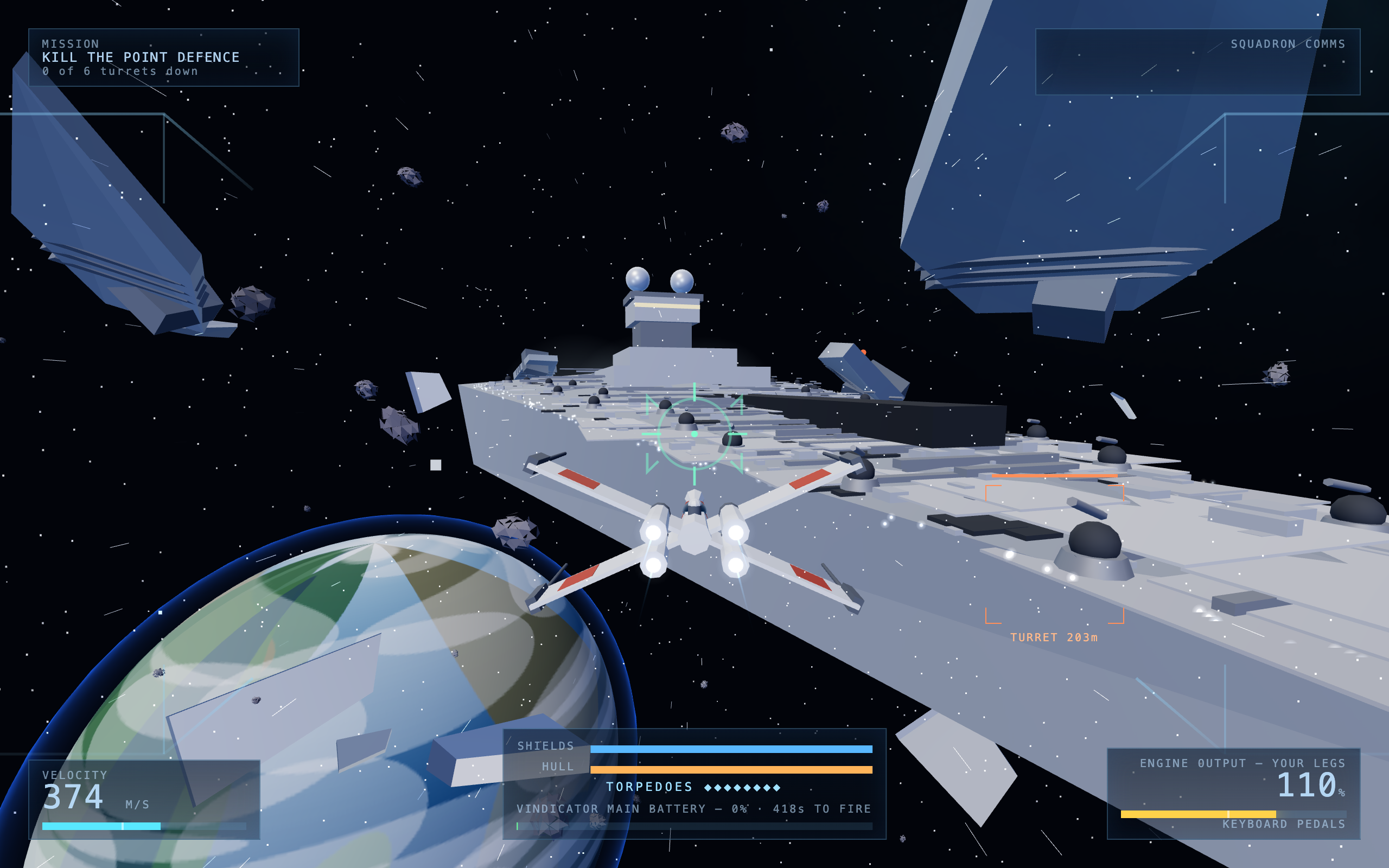
Insert legs to play.
Spin-Gamer is the arcade for your turbo trainer.
Clip in your bike, pair it over Bluetooth in your browser, pick up a controller.
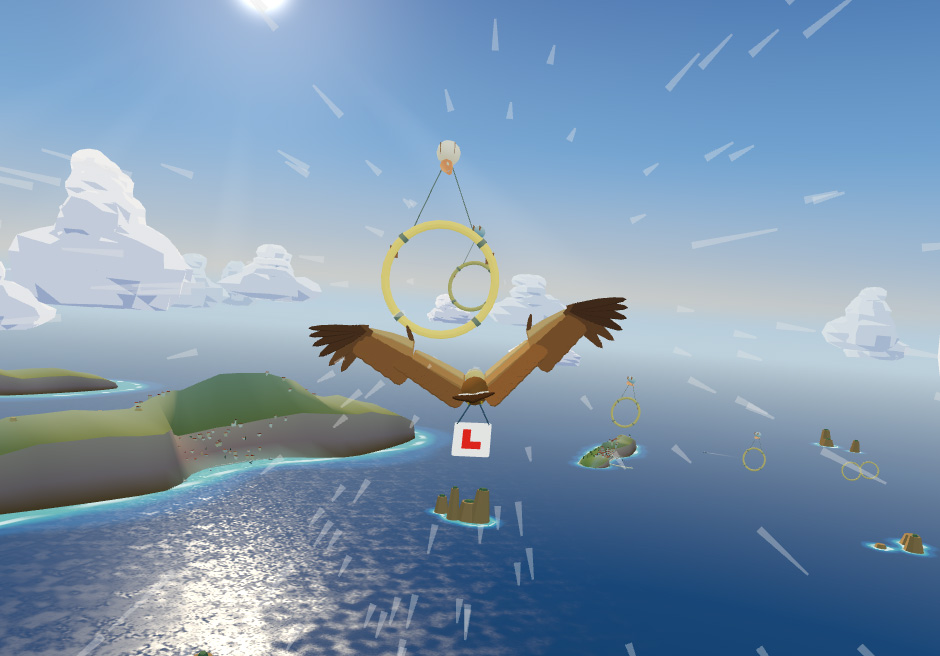
Pedal harder and the eagle climbs.
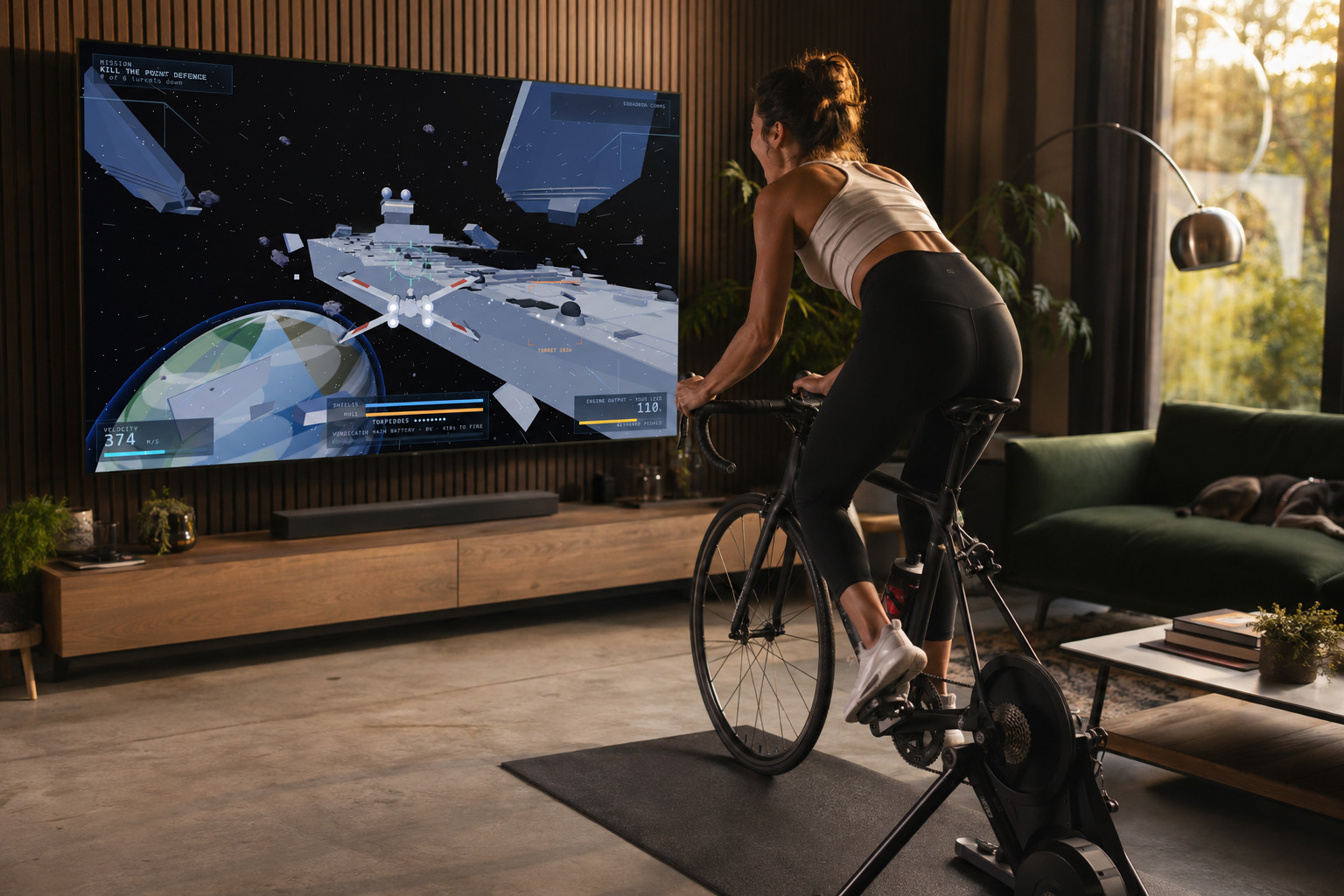
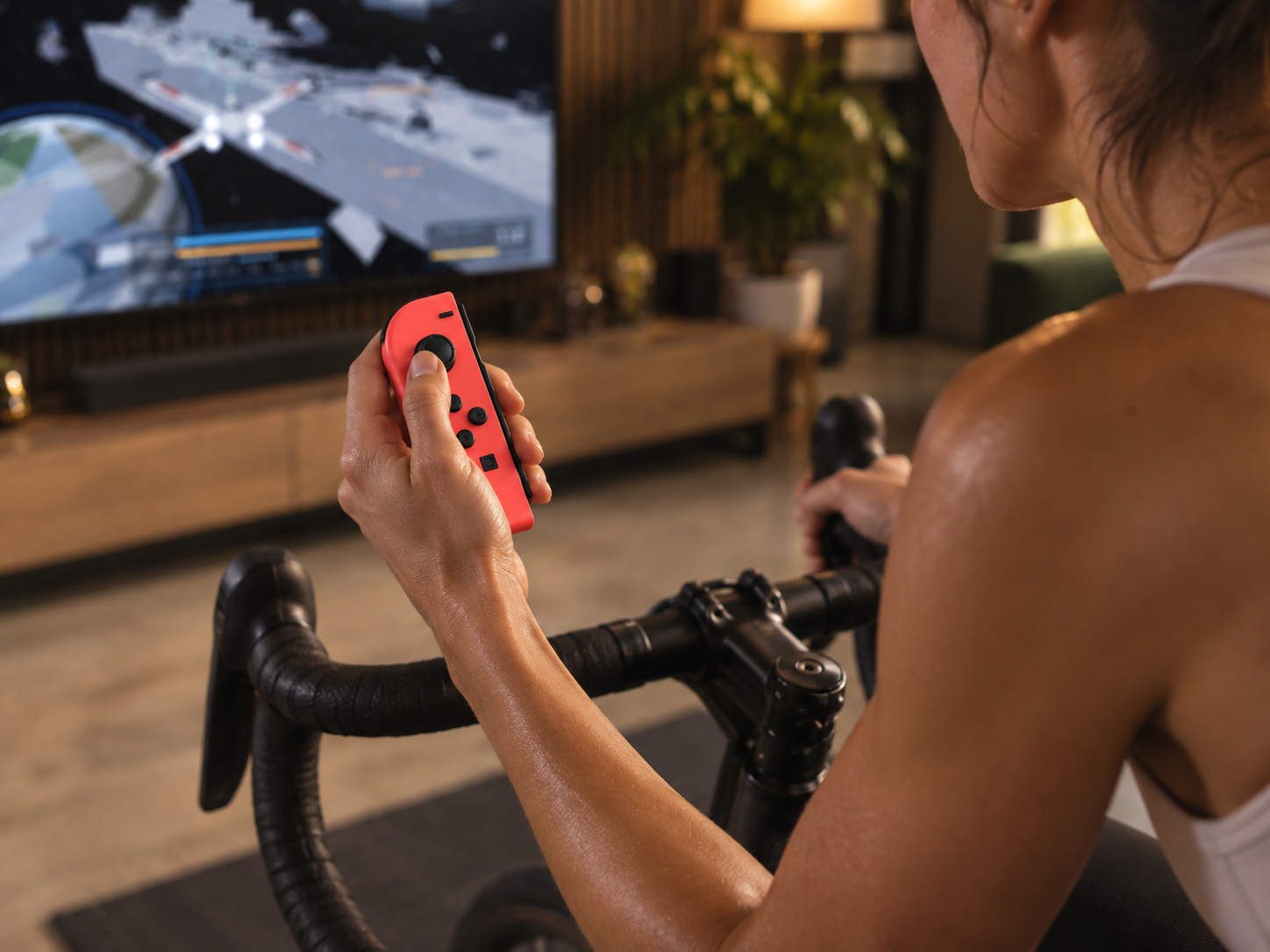
Hands still needed.
For steering. And shooting. And jumping.
Use Joy-Cons, ideally — one on each handlebar grip.
Standard wireless or USB game controllers should work. No controller at all? The keyboard is awkward but compatible.
Mind the wet paint.
Spin-Gamer is in beta. If it really was an arcade, it’d smell like wet paint.
This might not work for you. It might not pair, might be way too easy or hard, might not run the way we say it does. We test it on the bikes we have. Yours probably isn’t one of them.
If it fails, tell us. What you tried, what happened. Nothing helps more. Tell us
Stuck? There’s a guide. Troubleshooting guide
FAQs
What browsers can I use?
Use Chrome, Edge or Brave on a computer.
Spin-Gamer connects to your trainer with Web Bluetooth. Safari and Firefox do not have Web Bluetooth. iPhones and iPads do not have it either.
What equipment do I need?
You need three things:
- A bike on a smart turbo trainer with Bluetooth.
- A computer with Chrome, Edge or Brave.
- A controller. We recommend two Joy-Cons, one on each side of the handlebars.
We test with a Tacx Vortex Smart. Most Bluetooth smart trainers can also work. Most wireless or USB game controllers can also work.
No trainer? You can play with the keyboard. Hold a key, or press Q and W one after the other.
My turbo trainer won’t connect. What do I do?
Do these steps in this order:
- Pedal for a few seconds. This wakes up the trainer.
- Make sure that Bluetooth is on for your computer.
- Close other apps that use the trainer, for example Zwift or the maker’s app. A trainer can connect to one app only.
- Move the computer nearer to the trainer.
- Reload the page. Then click Connect again and select your trainer from the list.
If it still does not connect, tell us the make and model of your trainer.
My controller won’t connect. What do I do?
Do these steps in this order:
- Pair the controller with your computer first. Use the Bluetooth settings of the computer, not the game.
- Open the game page. Then press a button on the controller. The browser finds a controller only after you press a button.
- If you use Joy-Cons, pair each one separately. Then press a button on each one.
- If it still does not work, disconnect the controller from other devices and pair it again.
You can also play with the keyboard.